

Xmooth: Explorer for Instagram
August 06, 2024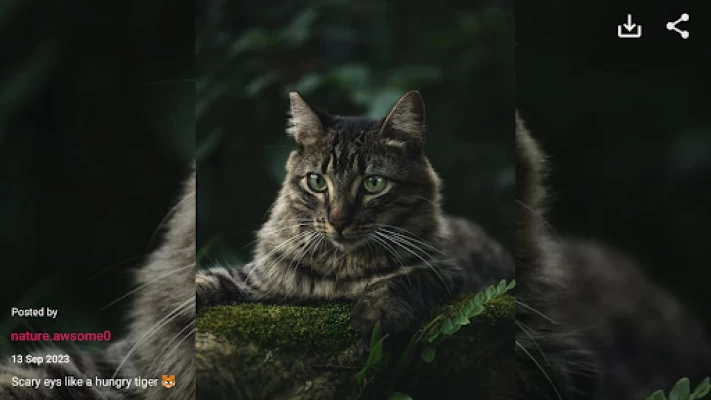


More About Xmooth: Explorer for Instagram
View your Insta feeds on big screen now.
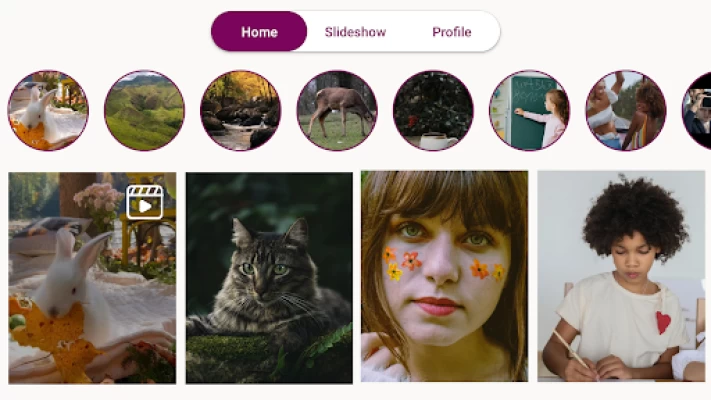
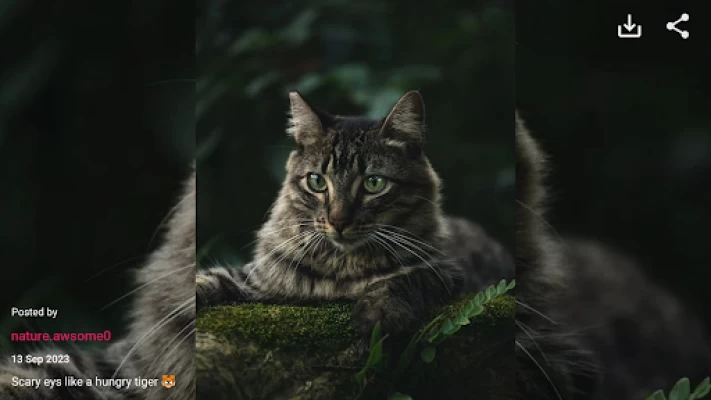
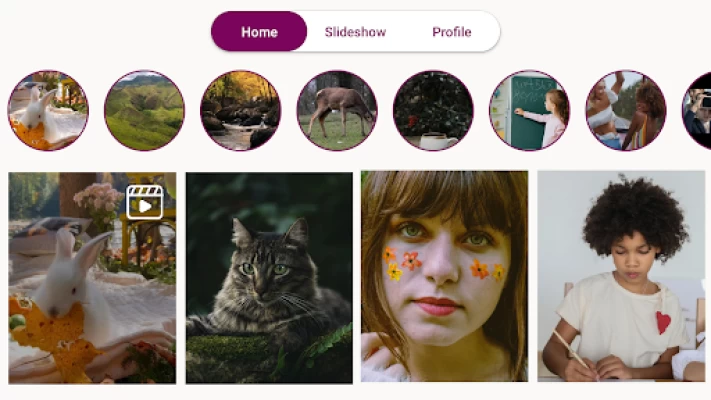
Xmooth: Explorer for Instagram app enables you to connect your Instagram account and watch all photos and videos on Android TV screen.
- View Slideshow of photos, videos & stories with captions.
- Save & download Instagram photos to device for offline access.
- Share & preview IGTV photos with friends and family.
=========HOW TO USE===========
Follow below steps to start browsing Instagram Photos on Android Devices.
- Visit "https://xmoothi.web.app/" website from any mobile device or Laptop.
- Sign in anonymously or create sample account.
- Click "Connect to Instagram" button and it will ask for permission "Would you like to share account information?" click "allow".
- Enter/Paste 6 digit code shown on app screen and click "Connect".
This will connect your account to the device you installed "xmooth: Explorer for Instagram" app.
- View Slideshow of photos, videos & stories with captions.
- Save & download Instagram photos to device for offline access.
- Share & preview IGTV photos with friends and family.
=========HOW TO USE===========
Follow below steps to start browsing Instagram Photos on Android Devices.
- Visit "https://xmoothi.web.app/" website from any mobile device or Laptop.
- Sign in anonymously or create sample account.
- Click "Connect to Instagram" button and it will ask for permission "Would you like to share account information?" click "allow".
- Enter/Paste 6 digit code shown on app screen and click "Connect".
This will connect your account to the device you installed "xmooth: Explorer for Instagram" app.
Latest Version
Version
1.3
1.3
Update
August 06, 2024
August 06, 2024
Developer
Smilie Ideas
Smilie Ideas
Apps
Travel & Local
Travel & Local
Platforms
Android
Android
Downloads
442
442
License
Free
Free
Package Name
com.smilieideas.xmooth
com.smilieideas.xmooth
Report
Report a Problem
Report a Problem
Add Comment & Review









